Friendly Video Viewer
A clickable map of short videos from LEYM Monthly Meetings, made for the 2026 Annual Meeting.
What it is
The Friendly Video Viewer began as "Get to Know LEYM Meetings," a project for the 2026 Lake Erie Yearly Meeting (LEYM) Annual Meeting. The theme for 2026 was "Finding Hope, Joy and Courage in Community." To help Friends get to know one another across our wide region, Monthly Meetings were invited to make quick, joyful short videos about their Meeting. Ten Meetings contributed videos. They were gathered and displayed on an interactive map of the region: each Meeting had a plus-sign marker at their location, and clicking it played that Meeting's video. A top link went to an overview video of Lake Erie Yearly Meeting as a whole created by the Advancement and Outreach Committee.
The video viewer map was built using H5P Image Hotspots (more information below). At the Annual Meeting, an iPad kiosk was set up that let Friends come and explore the videos for themselves. It was quite well received.
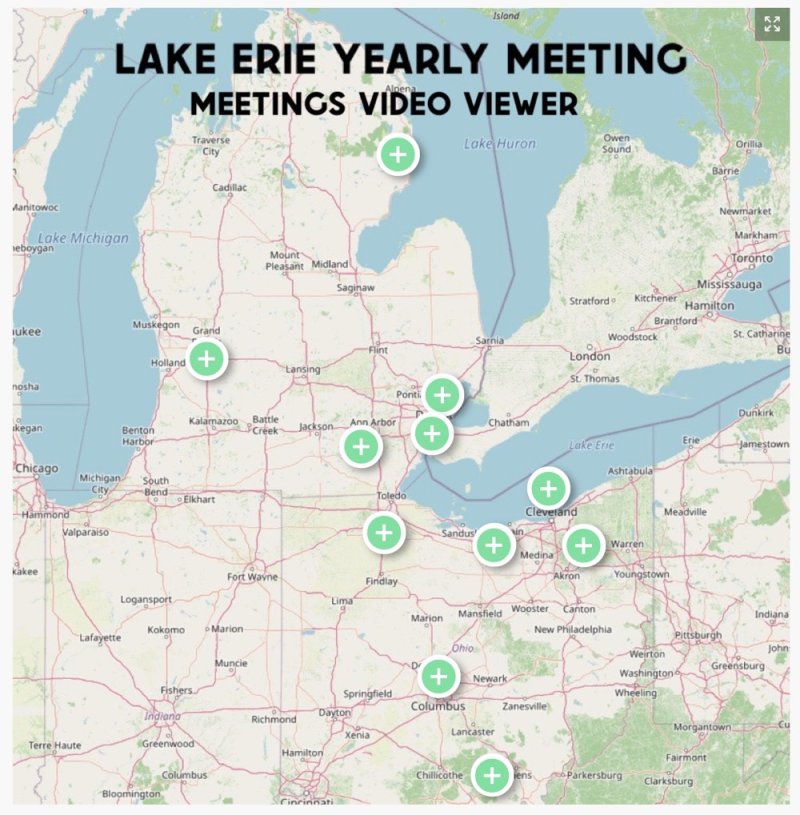
The Meetings Video Viewer: click a plus-sign to watch that Meeting's video.
- Made for
- The 2026 LEYM Annual Meeting, theme "Finding Hope, Joy and Courage in Community"
- Videos
- Ten Monthly Meetings contributed
- Map
- H5P Image Hotspots, over a map image made with OpenStreetMap
- Shown
- On the web, and on an iPad kiosk at Yearly Meeting
- Map built by
- Bill Warters
Who it is for
Any yearly meeting, quarterly meeting or association of Friends that wants its Meetings to see each other's faces and places, especially when they are far apart or rarely meet in person.
How it worked
- An invitation. Each Monthly Meeting was invited to make a short, informal video about its life together, with the Annual Meeting theme in mind.
- A map. The videos were collected on a map of the LEYM region. In H5P, each video became a plus-sign hotspot on the map, linking to that Meeting's video. An overview video of the whole Yearly Meeting is the top link.
- A kiosk. At the Annual Meeting, an iPad was set up so Friends could come over, tap the map and watch whichever Meetings they were curious about.
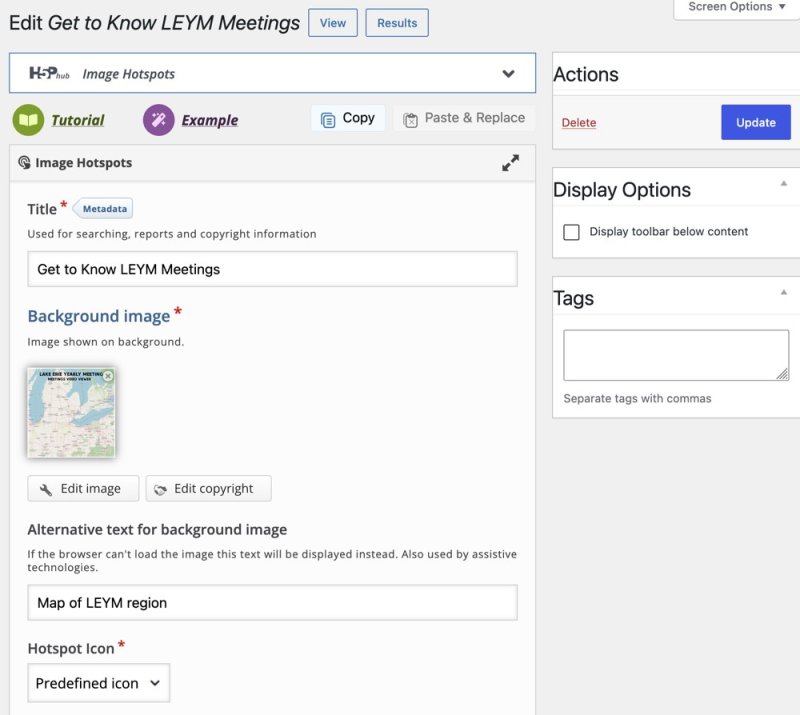
Behind the scenes: the H5P Image Hotspots editor, with the map as the background image.
Testimonies in the making
- Community: Meetings get to know each other, building new connections.
- Simplicity: short, informal videos, with no polish expected.
About the map
The background map image was made using OpenStreetMap, a free map of the world built by volunteers. OpenStreetMap map data is credited as "© OpenStreetMap contributors."
About H5P
H5P is a free, open-source tool for making interactive content, such as image hotspots, interactive videos, quizzes, timelines and presentations, that works in an ordinary web browser. It runs on a phone or tablet as well as a computer. You do not need to write code to use it.
If your Meeting or Yearly Meeting has a WordPress website, you can add H5P with a plugin called "Interactive Content – H5P":
- In the WordPress dashboard, go to Plugins, then Add New, and search for H5P.
- Choose Install Now, then Activate.
- Choose H5P Content, then Add New, and pick a content type, such as Image Hotspots.
- Save it, then use the Add H5P button in a page or post to place it on your site.
H5P also has versions for other systems such as Moodle and Drupal, and content can be moved between them.
Adapt it for your gathering
Invite each group to send a short video, collect them in one place, and put them on a map or a simple list. H5P Image Hotspots is one way to do the map. A plain page of links would work too. A kiosk is not required, but a tablet on a table at a gathering gives people a reason to start a conversation.
Credits
Made for the LEYM 2026 Annual Meeting, with videos from LEYM Monthly Meetings. Map image made with OpenStreetMap, display made with H5P.